
Checklist, attachments, warranty and discussion
Organize a routine repair with a checklist, photos and documents, warranties, a discussion thread and a history.
- Audience
- Administrator or assigned person
- Screen
- Routine repair record, tabs
- Verified version
- App 1.0.0
Goal
Follow a routine repair in detail: a checklist of actions, attachments (photos, quotes, invoices), the warranties obtained, a discussion thread and a full history.
Audience
Administrator or an assigned person. Warranties are managed by the administrator.
Prerequisites
- A routine repair exists.
Steps
-
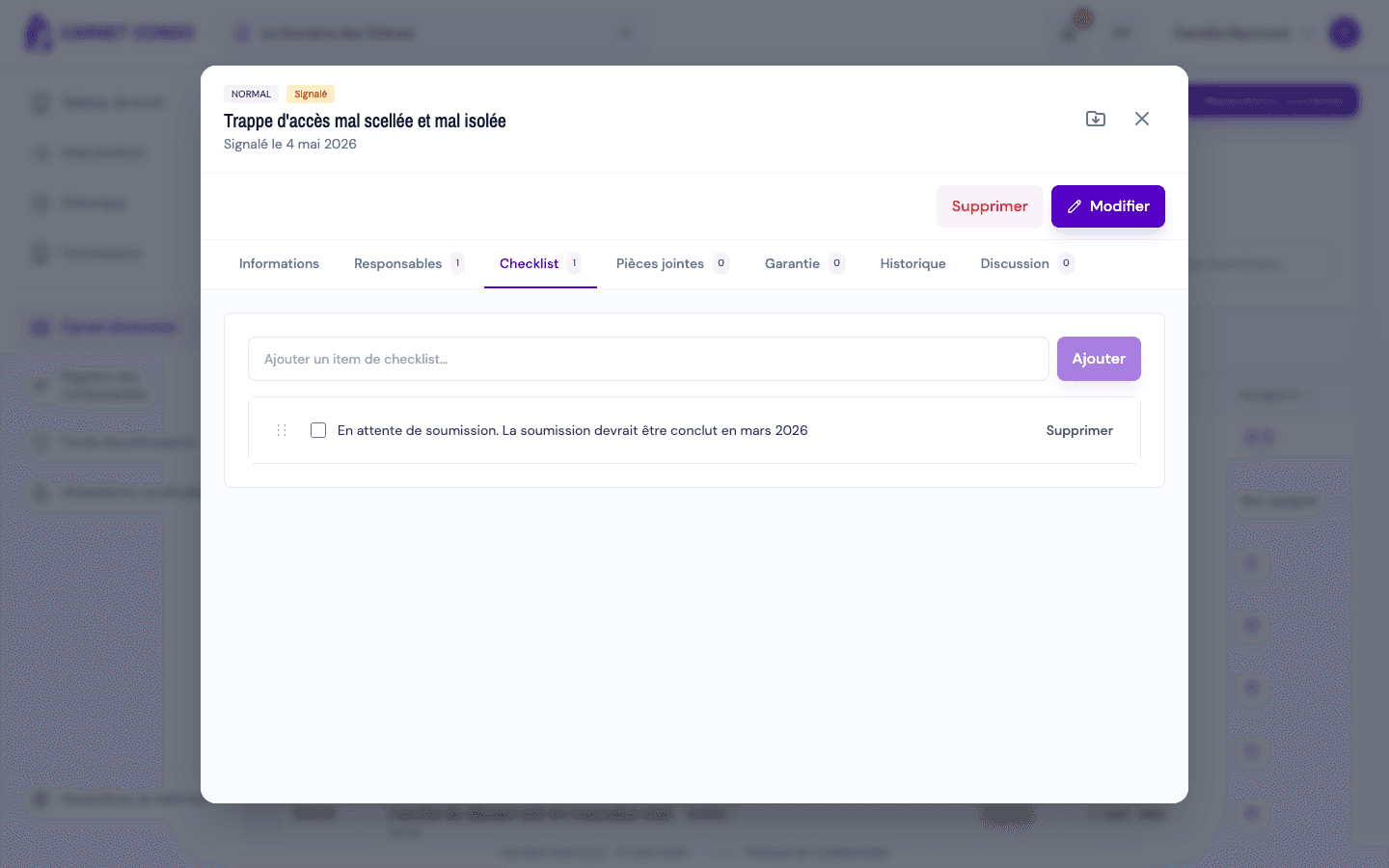
Checklist ("Checklist" tab): type a label in "Add a checklist item..." and click "Add". Check an item to mark it done; drag and drop the ⋮⋮ handle to reorder; "Delete" removes an item (after confirmation).
-
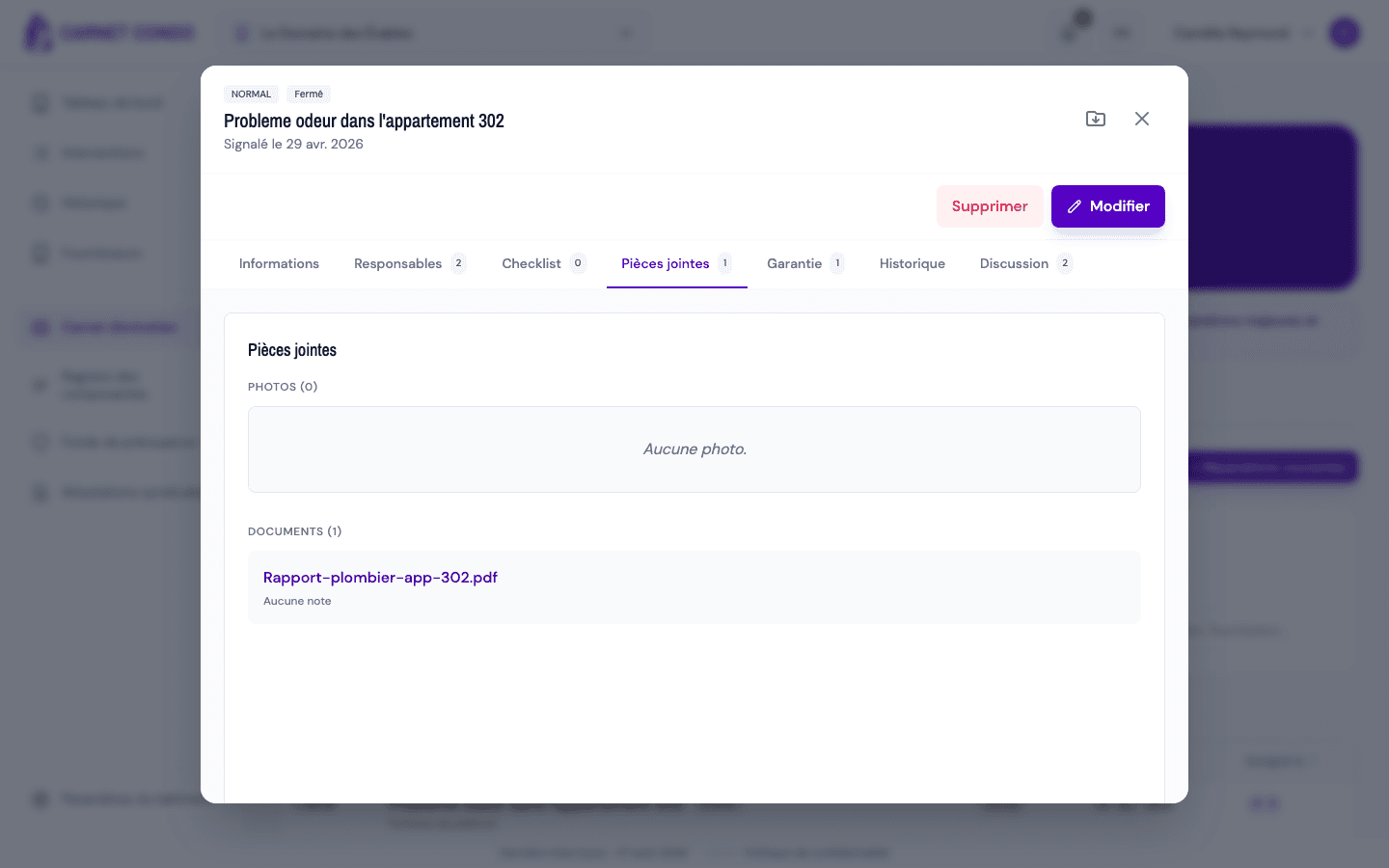
Attachments ("Attachments" tab): Photos and Documents are grouped here. To add some, click "Edit": a drop zone appears at the top of the tab. Drop your files there; images go to Photos, everything else to Documents.
-
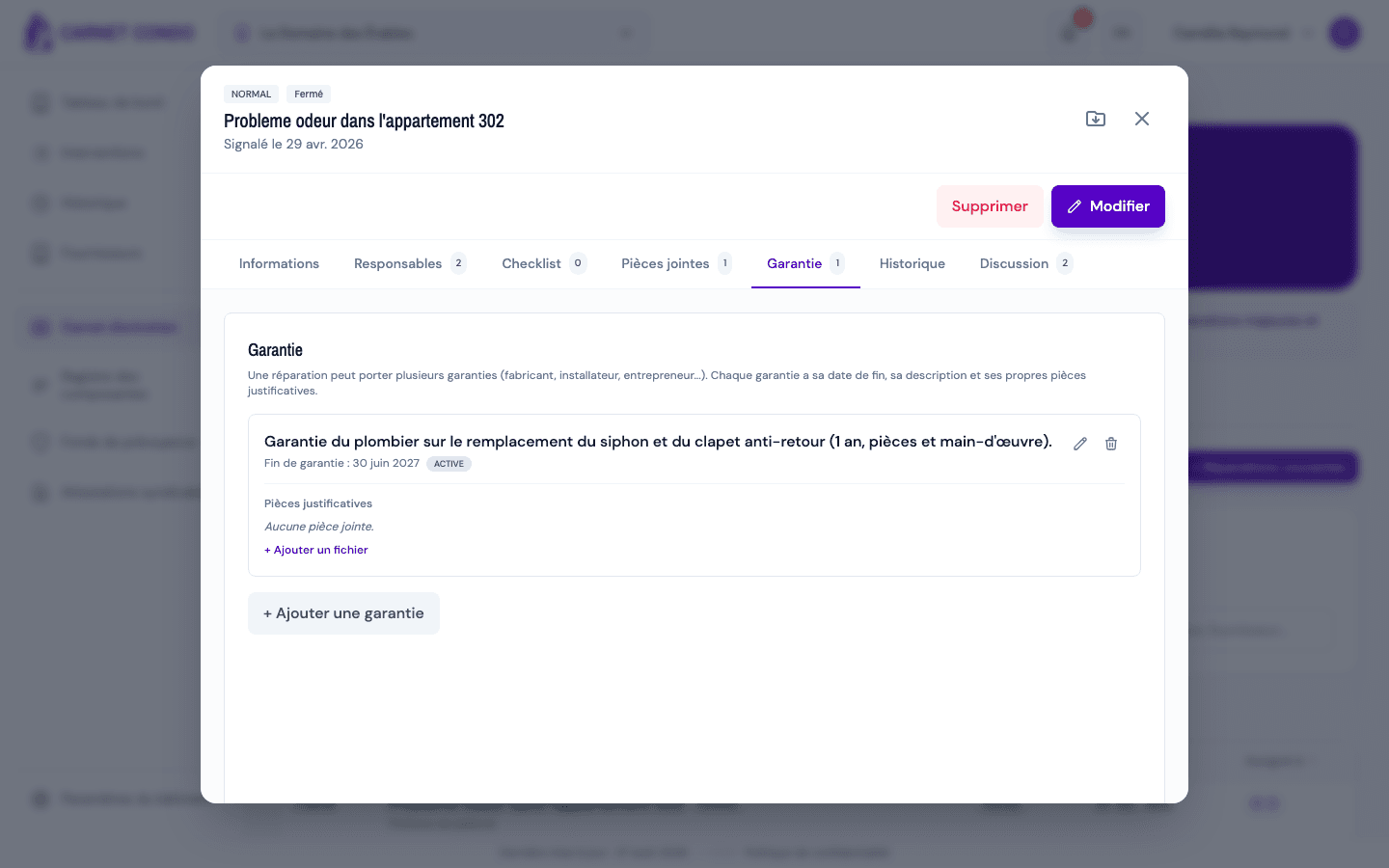
Warranty ("Warranty" tab): click "+ Add a warranty", then enter the "Warranty end date" (required), the "Description" (required, for example "5-year installer warranty") and, if needed, supporting files. A repair can carry several warranties; each one shows Active or Expired.
-
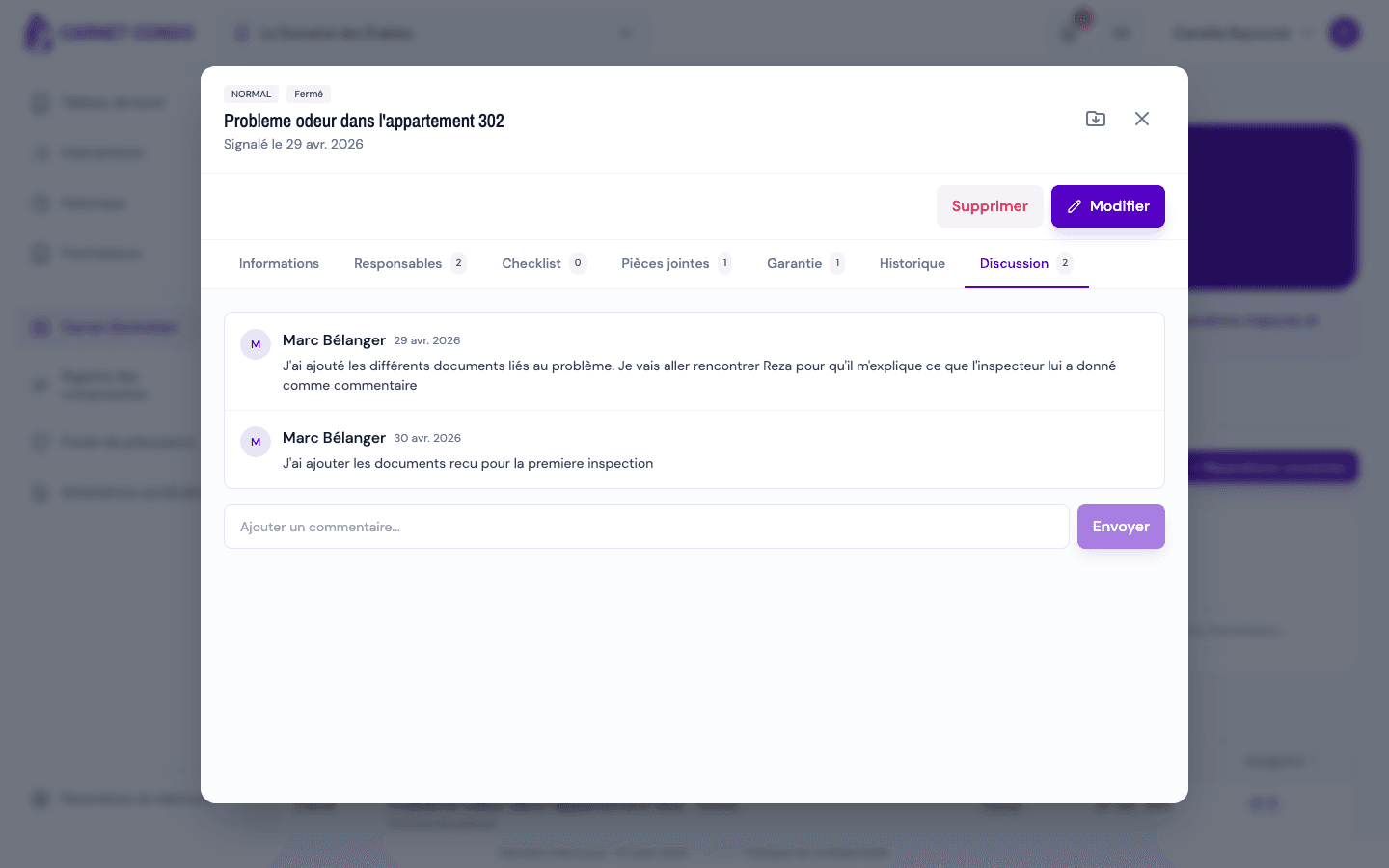
Discussion ("Discussion" tab): write in "Add a comment..." and click "Send".
-
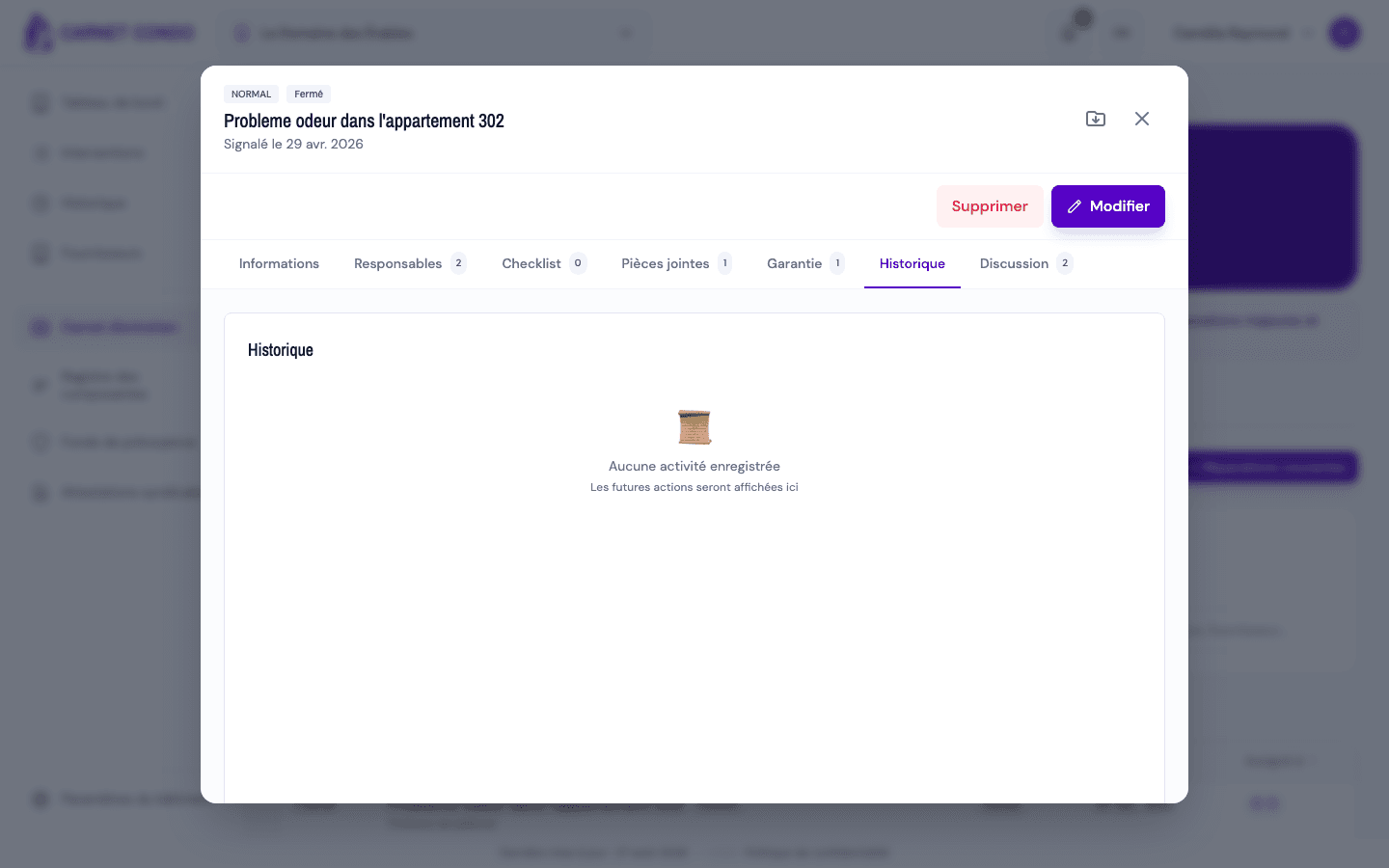
History ("History" tab): actions (creation, status, assignment, checklist, attachments, comments, costs) are logged with their author and date.
Checklist example
"Get 3 quotes", "Have the expense approved", "Schedule the supplier's visit"… The checklist structures the steps of a routine repair.
Tips and common mistakes
- No drop zone? Click "Edit" first: attachments are added in edit mode.
- Warranties shown elsewhere: a repair's warranties also appear in the linked component's record (Component register).
- Traceability: the history keeps who did what and when.
- Who can edit or delete a comment: only its author (icons on hover over their own message). An administrator cannot edit or delete another member's comment.
- Notification: each new comment notifies the people assigned to the repair (except the author), through the bell in the header.
- Checklist restricted: only an administrator and the assigned people can add, check, reorder or delete items; other members can view it.