
Filter and export routine repairs
Filter the list of routine repairs and export it to Excel or PDF, or export a single record to PDF.
- Audience
- Administrator
- Screen
- Maintenance logbook › Routine repairs
- Verified version
- App 1.0.0
Goal
Quickly find routine repairs with filters, export the list to Excel or PDF, or export a repair's record to PDF.
Audience
Building administrator.
Prerequisites
- At least one routine repair exists.
Steps
-
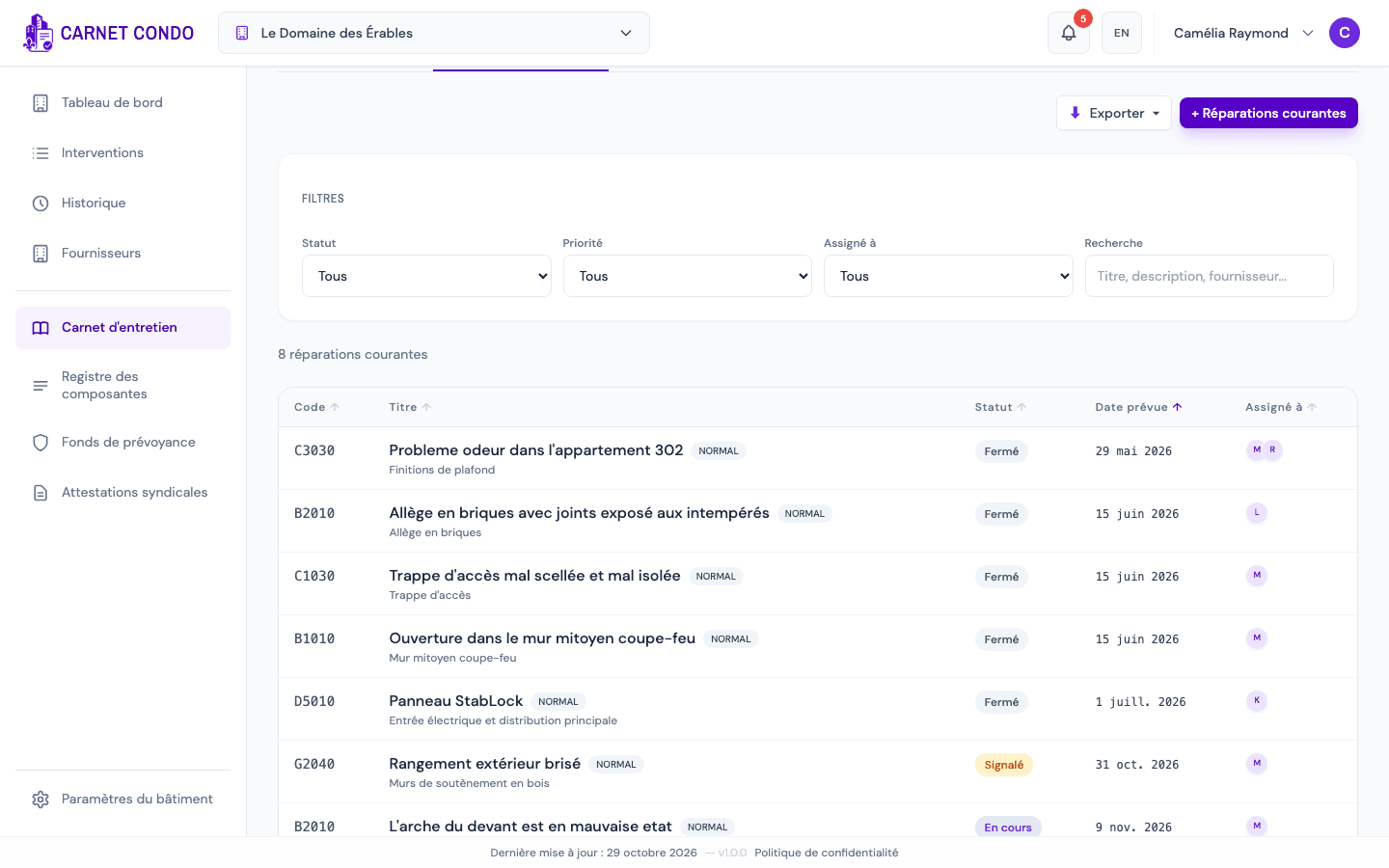
Filter: above the list, the "Filters" panel filters by Status, Priority, Assigned to (a member, or "Unassigned") and a free Search (title, description, supplier). The "Reset" button appears as soon as a filter is active. The number of results shows below the panel, and clicking a column header (Code, Title, Status, Planned date, Assigned to) sorts the list.
-
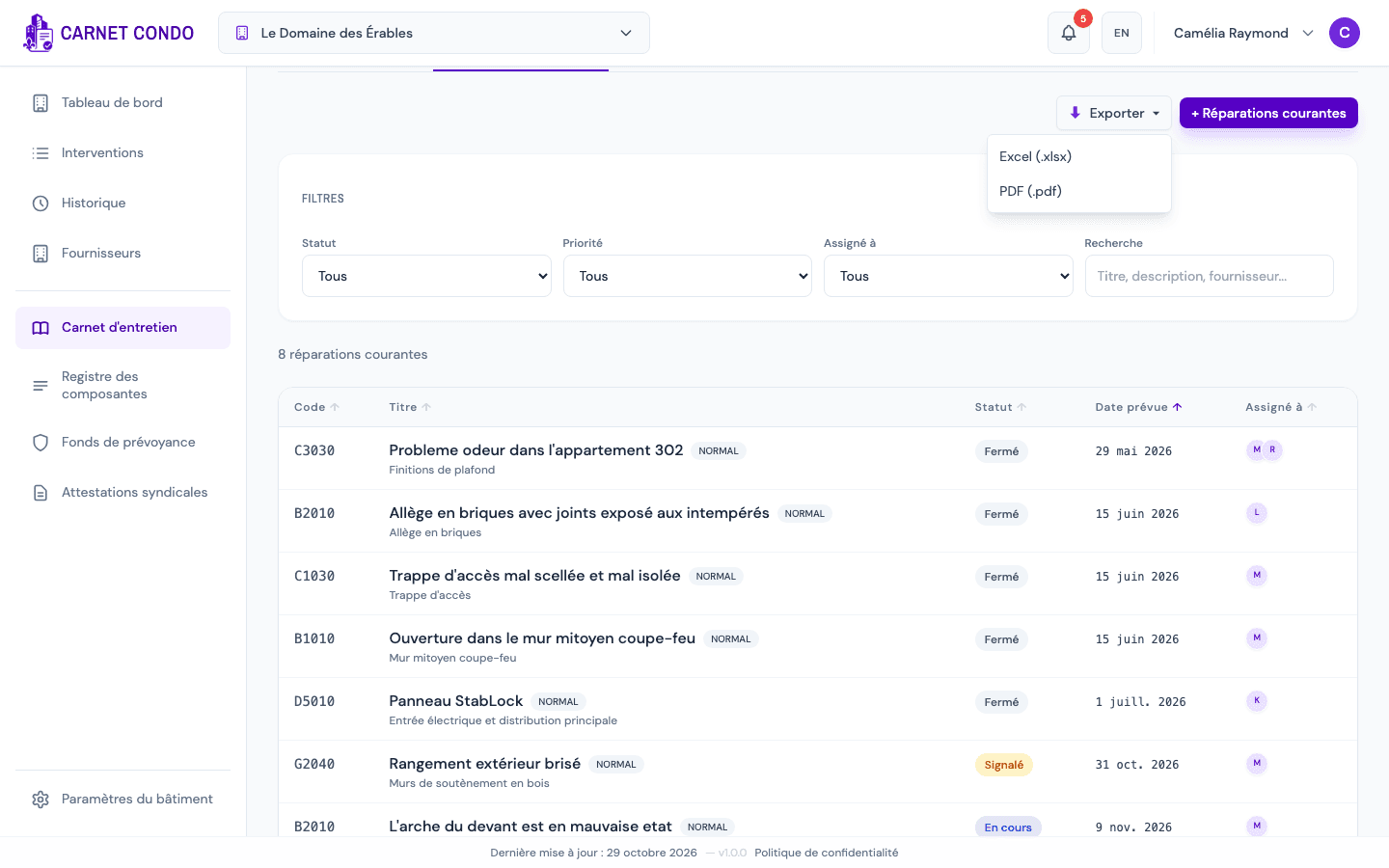
Export the list: click "Export" (top right), then "Excel (.xlsx)" or "PDF (.pdf)". The export uses the filtered list and repeats the filters applied.
-
Export a record to PDF: in a repair's record, click the download icon at the top right, next to the X ("Export to PDF" on hover). The PDF includes the information, checklist, attachments, discussion and history.

Tips and common mistakes
- Export disabled: the Export button is inactive when there are no results ("Nothing to export").
- Combined filters: filters add up; "Reset" starts over.
- Also in Interventions: the "Interventions" page lists routine repairs alongside the other interventions (filter by type).