
Set recurrence, active period and execution month
Choose a maintenance task's recurrence and fill in the conditional fields (active period, execution month, year) that follow from it.
- Audience
- Administrator
- Screen
- Recurrence section (create or edit)
- Verified version
- App 1.0.0
Goal
Define how often a maintenance task repeats. Depending on the chosen recurrence, the app shows additional fields (active period, execution month, year) that determine when the interventions are generated.
Audience
Administrator of the building.
Prerequisites
Steps
- In the Recurrence section, choose the frequency. The app then shows the matching conditional fields (see the table below).
- Fill in the conditional fields shown (active period, execution month, year, as applicable).
- Continue creating or saving the task.
Fields shown by recurrence
| Recurrence | Conditional fields shown |
|---|---|
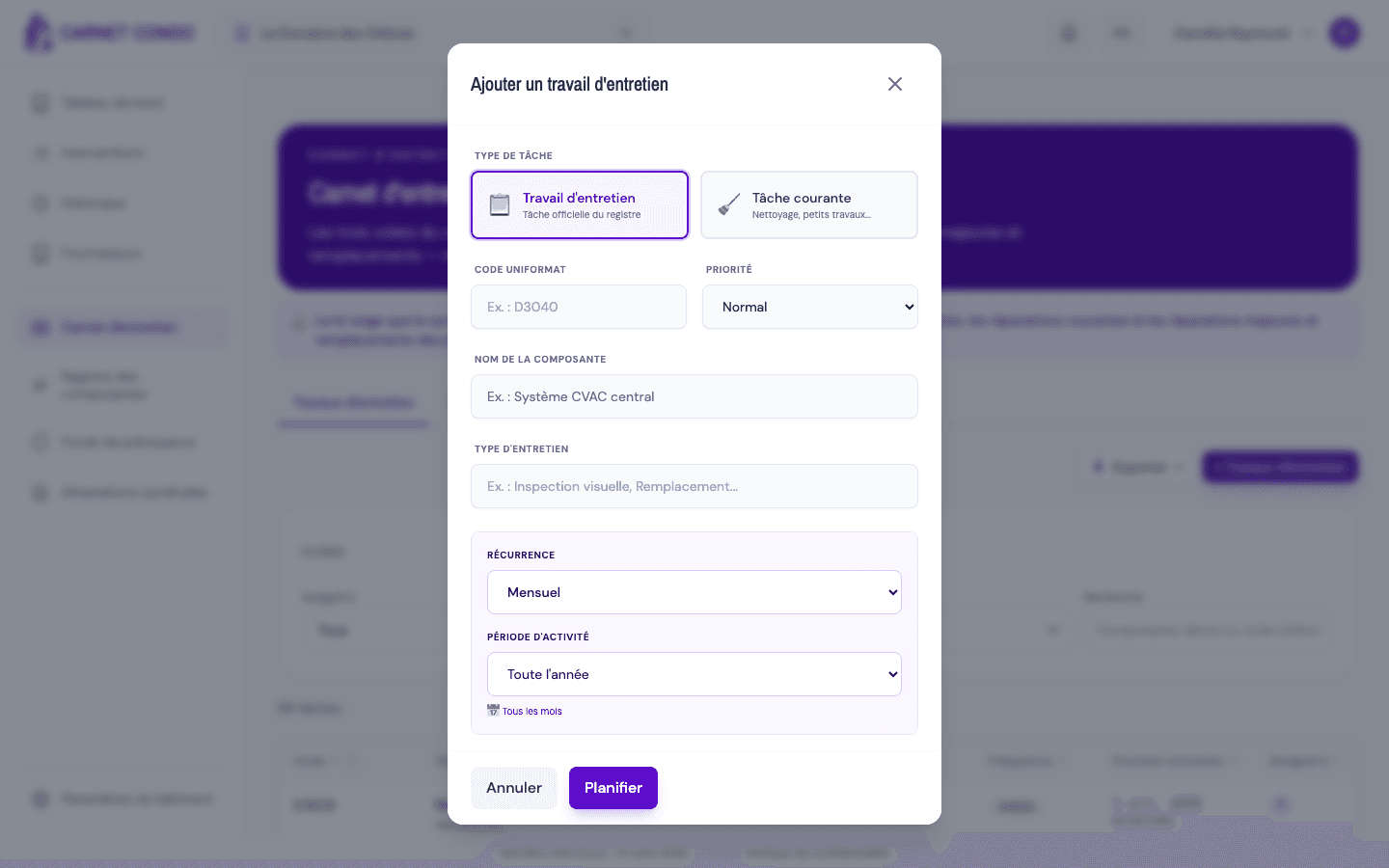
| Weekly / Twice monthly / Monthly | Active period: "Year-round" (months 1-12) or "Custom" (month selector, at least one month required) |
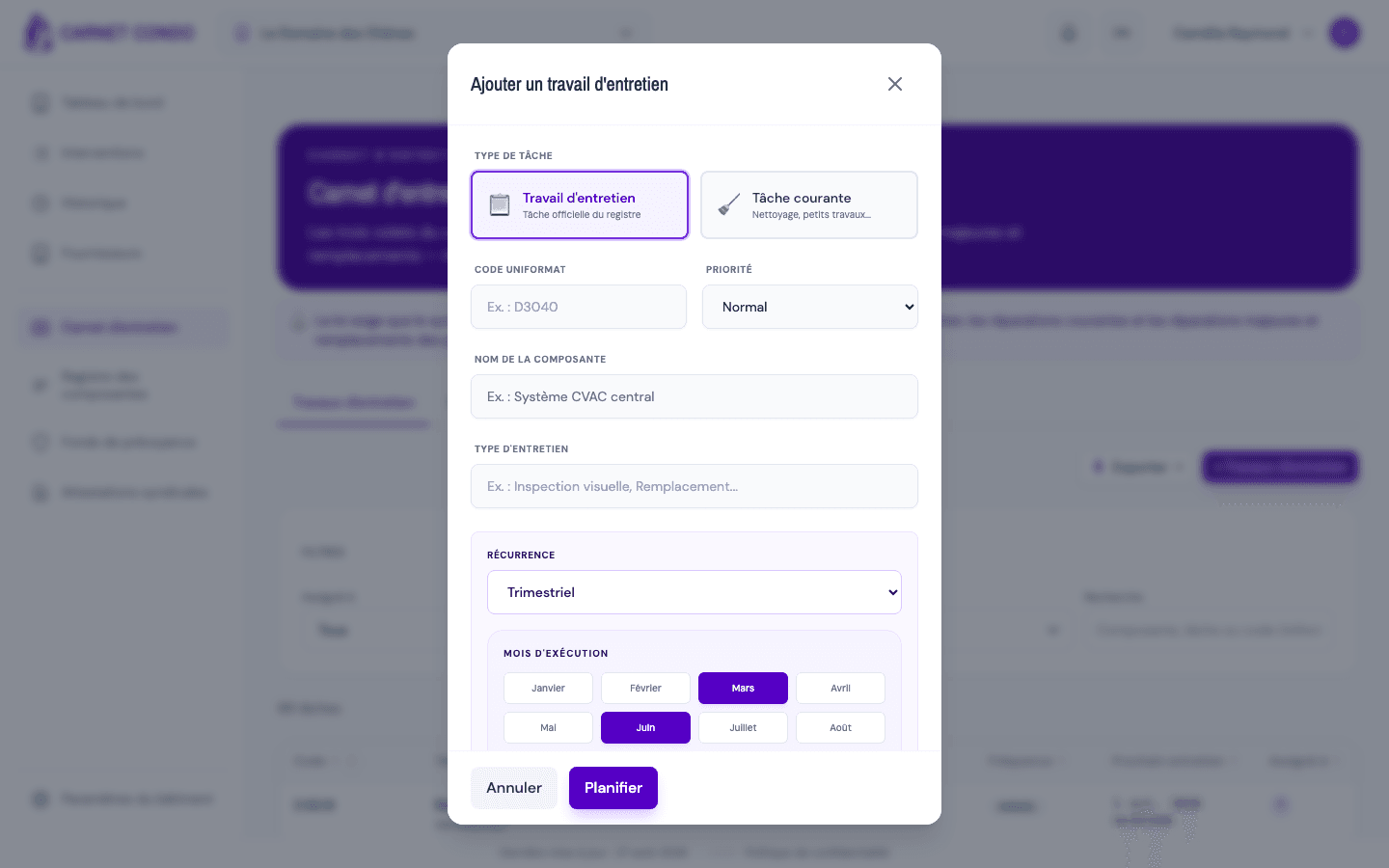
| Quarterly | Execution month selector (March / June / September / December by default) |
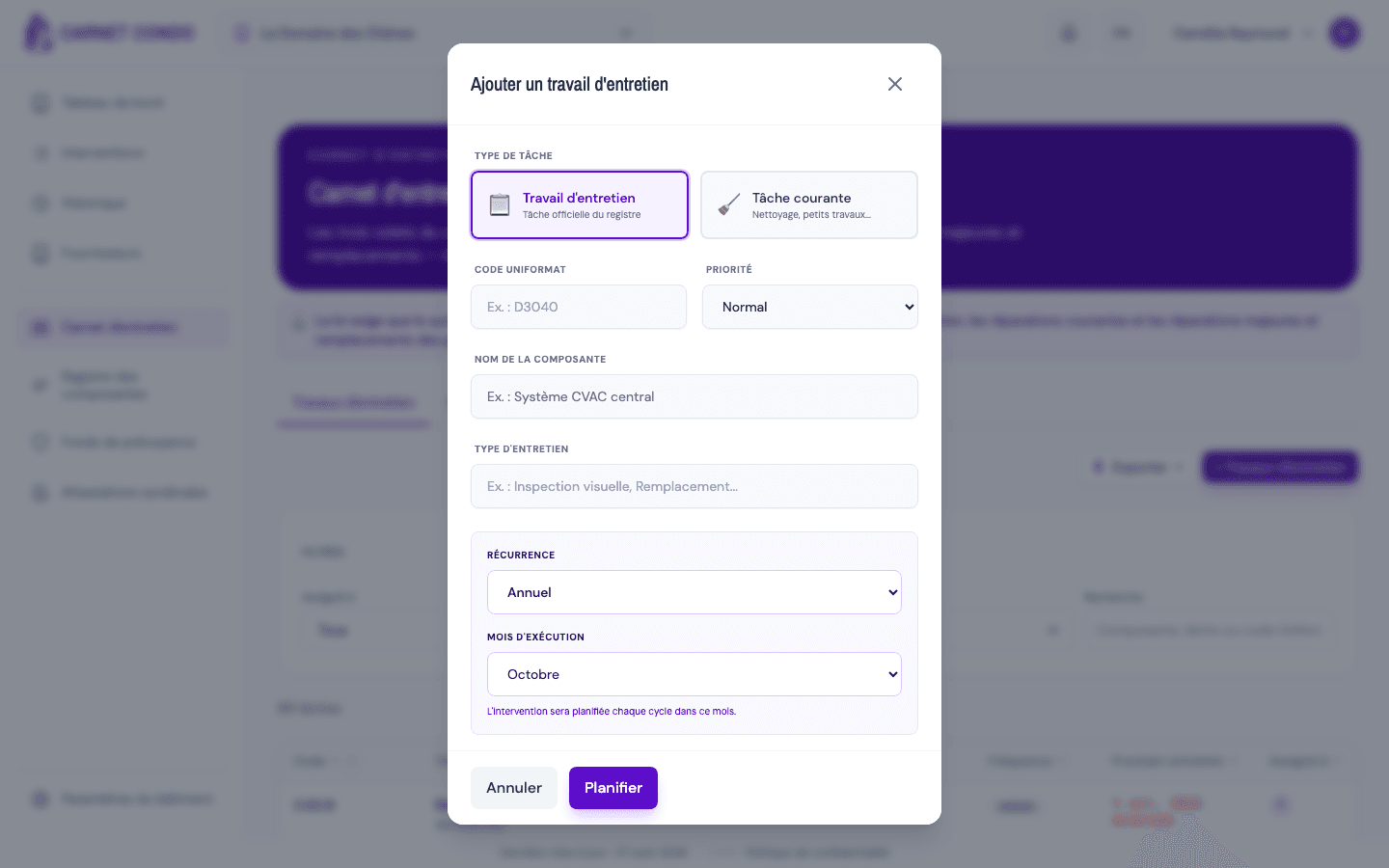
| Annual | Execution month (menu, 1-12) |
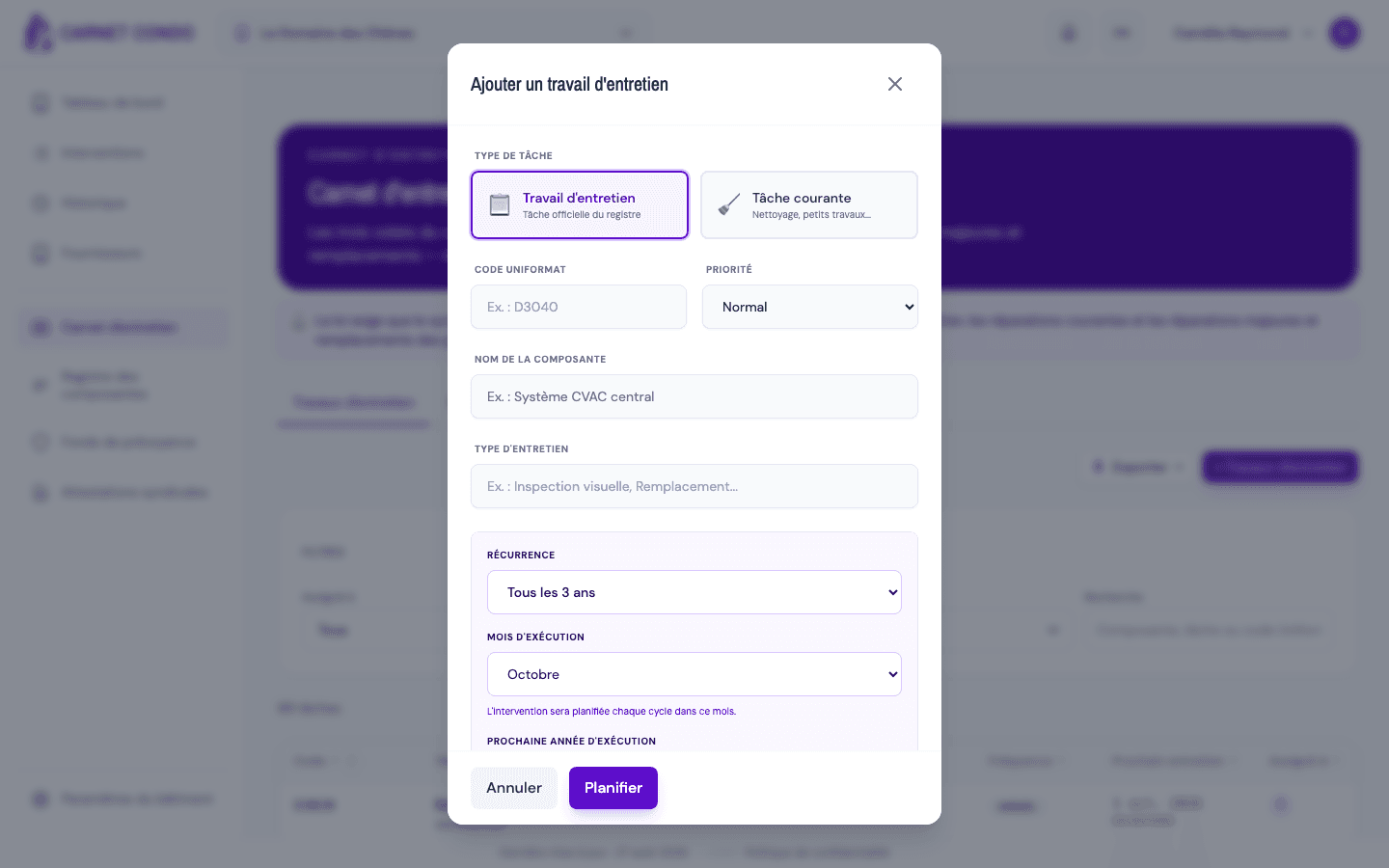
| Every 2, 3, 4, 5 or 10 years | Execution month + Next execution year (≥ current year, up to +20 years) |
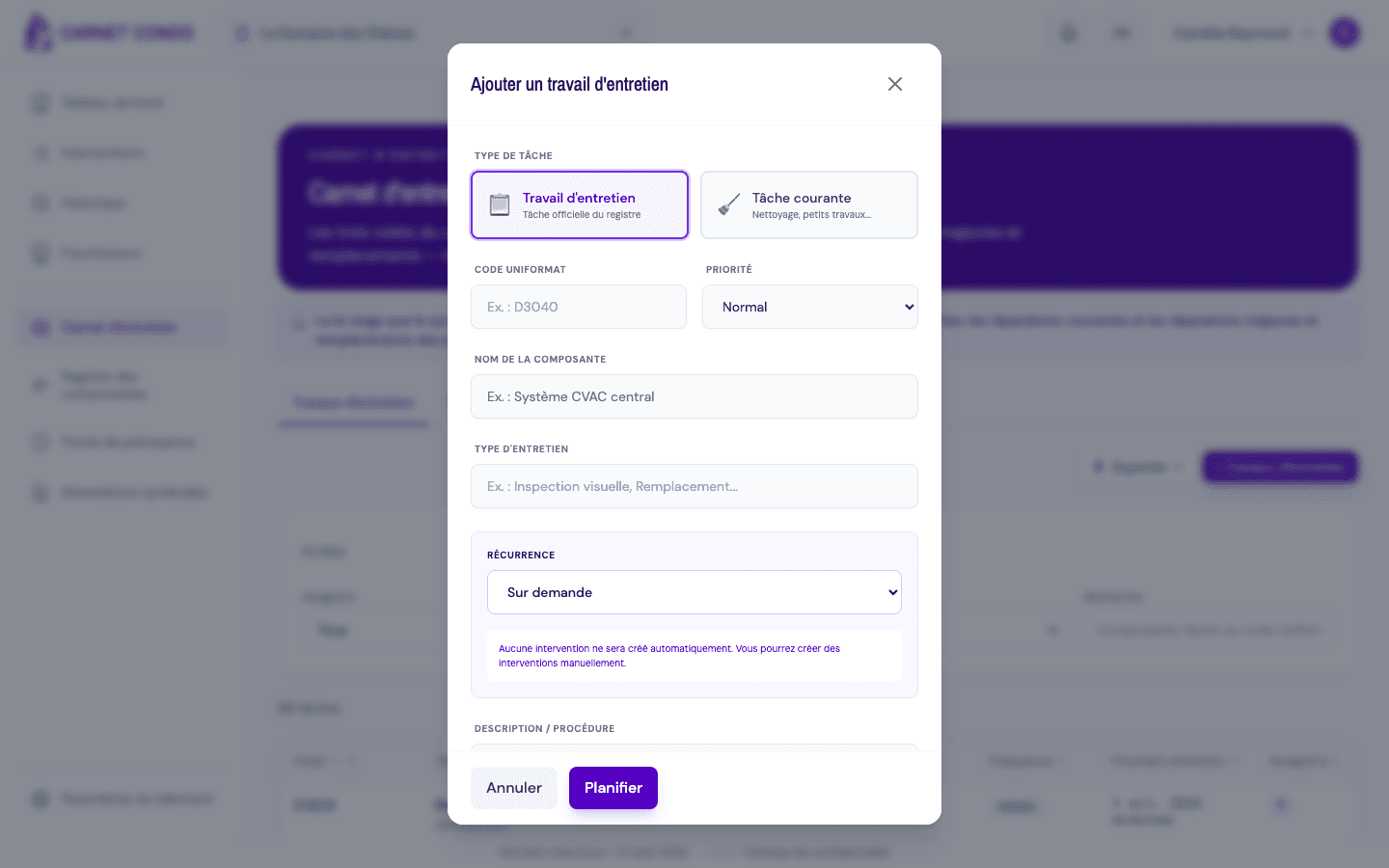
| On demand | No fields + a "No intervention will be created automatically" message |
Monthly with an active period: for a monthly task, choose "Year-round" or a custom period:
Quarterly: the selector defaults to March, June, September and December:
Annual: choose the single execution month:
Multi-year: for "Every 2 years" and higher, also set the next execution year:
On demand: no fields; a message reminds you that no intervention will be created:
Changing the recurrence resets the fields
Changing the recurrence sets the active period back to "Year-round" and clears the fields that are no longer needed. Check the conditional fields after each frequency change.
Tips and common errors
- "Custom" requires at least one month: a custom period with no month selected triggers an error; check at least one month.
- Quarterly left empty: if no month is chosen, the app automatically applies March, June, September and December.
- "On demand" creates no intervention: use this option for manually triggered tasks; no occurrence is generated automatically.