
Understand access messages
What to do when you see "Admin-only section", "Access denied" or "Page not found": why they appear and how to get out.
- Audience
- Everyone
- Screen
- Access pages (admin-only, denied, not found)
- Verified version
- App 1.0.0
Goal
Understand why a page does not show, and know what to do.
Audience
All members. These messages mostly appear when you open a link received by email, a bookmark or a notification.
Prerequisites
- None.
The three messages
1. "Admin-only section"
You are a member of the building, but the requested page is for administrators only: "This section is only available to building super-administrators. Contact your administrator if you believe you should have access."
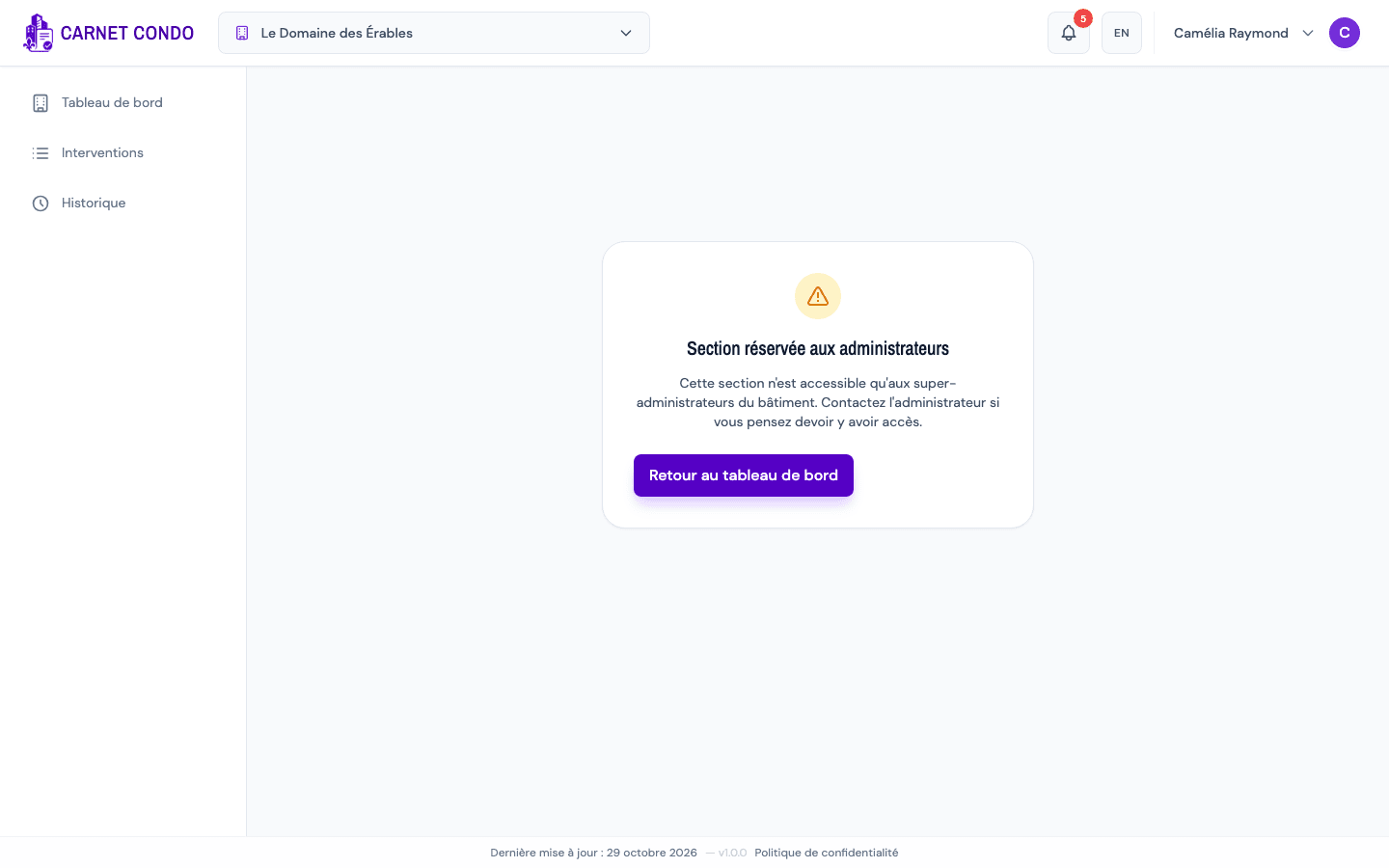
Pages concerned: Maintenance logbook (Maintenance work, Routine repairs, Major repairs & replacements), Component register, Suppliers, Reserve fund, Syndicate attestations, Building settings, and the old Members and Backup addresses.
What to do: click "Back to dashboard". If you need this access, write to an administrator ("Board of directors" card on the dashboard) so they make you an administrator.
2. "Access denied"
The address points to a building you are not a member of: "You don't have access to this resource. Contact the building admin if you think this is an error."
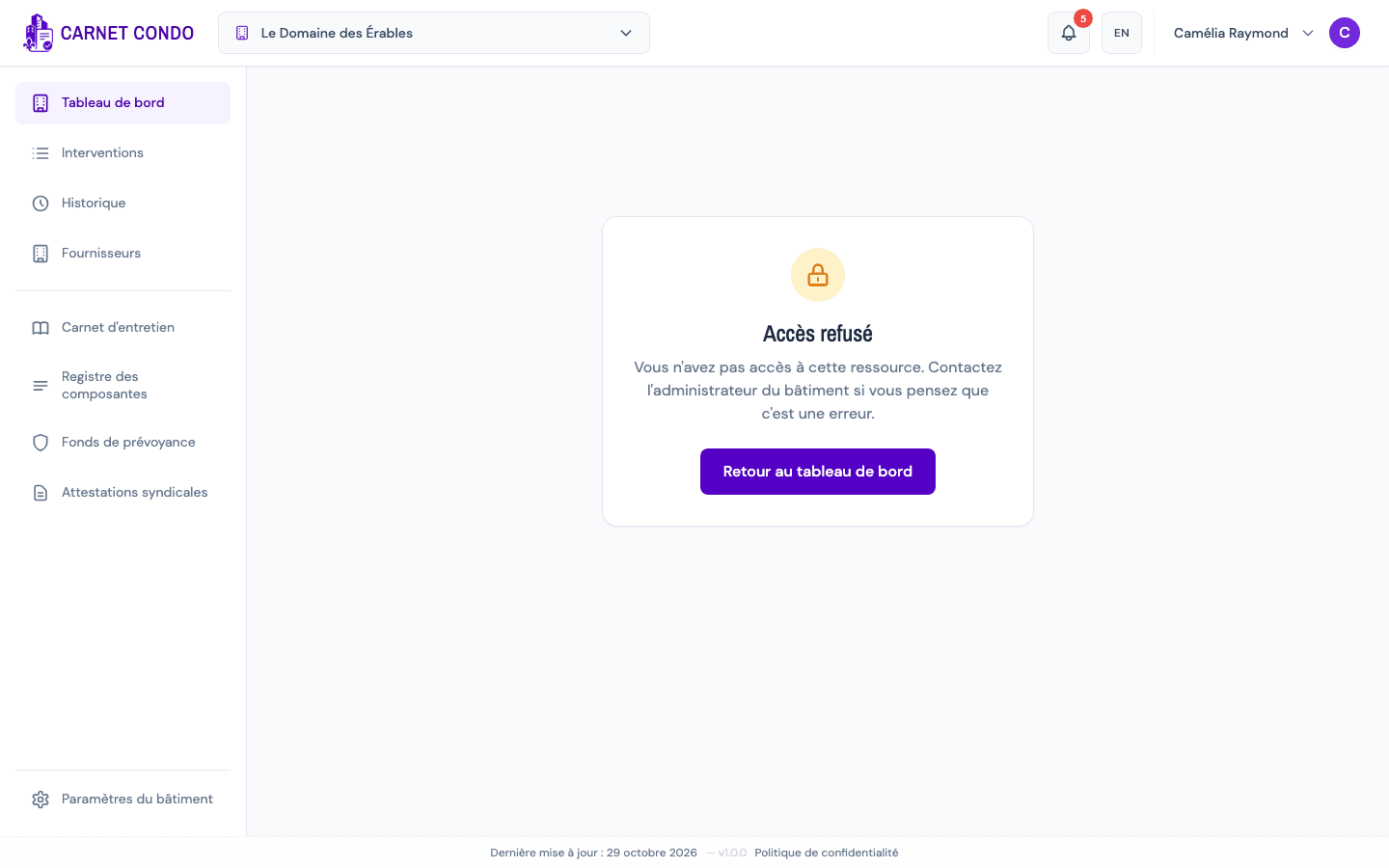
Common causes:
- you were removed from the building, or your invitation has not been accepted yet;
- the link comes from someone else, for a building you are not registered in;
- you are signed in with another account than the one invited to the building.
What to do: click "Back to dashboard" to return to your building. Check which account you are using (user menu, "Signed in as"). If the building should be yours, ask its administrator to invite you again.
3. "Page not found"
The address does not exist in the app: "This page does not exist or has been moved."
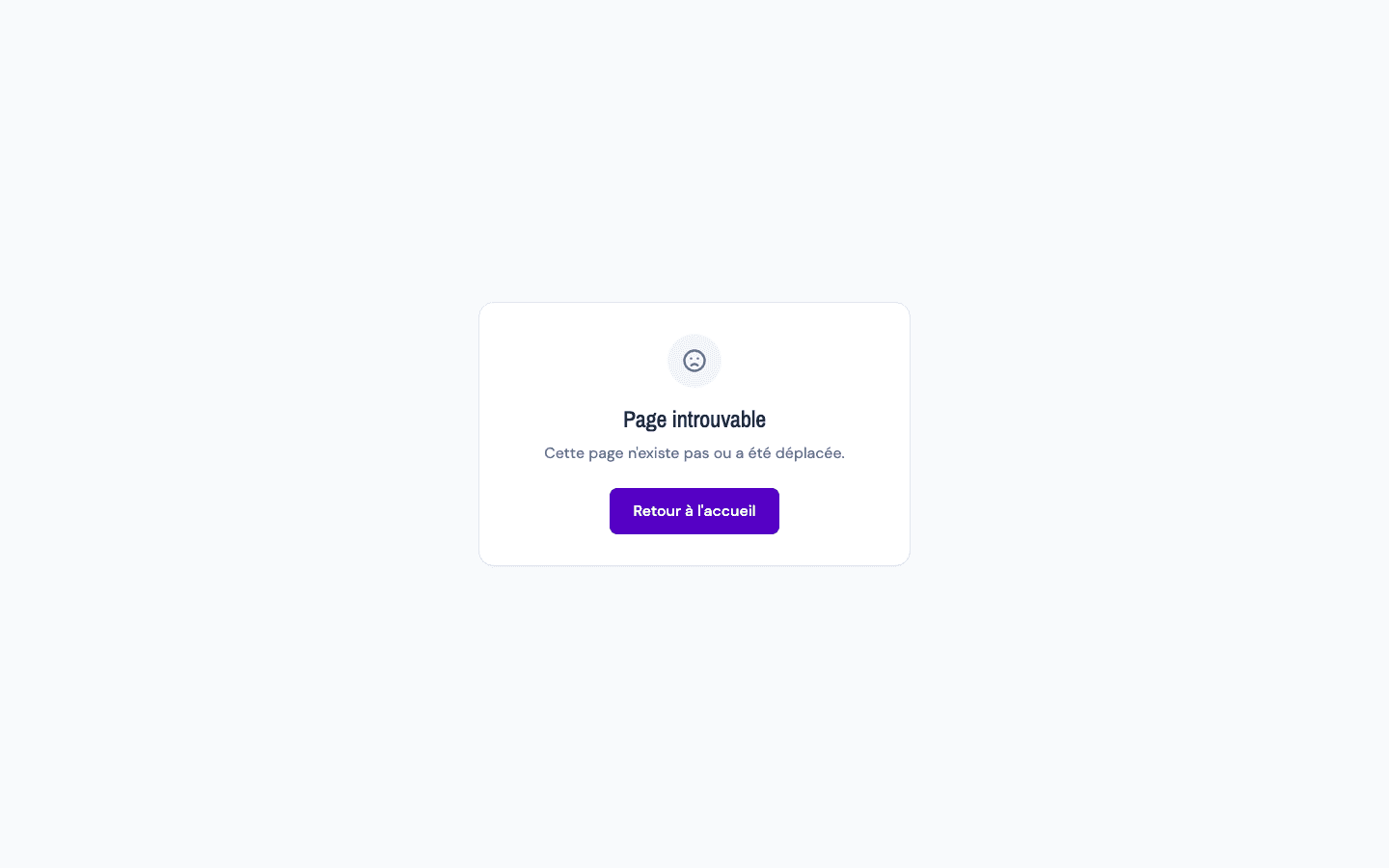
What to do: check that the link was not cut off (long email, incomplete copy and paste), then click "Back to home".
The menu only shows what is open to you
When you navigate with the menu, you never run into these messages: it only shows the pages your role allows. They appear when you arrive through a direct link.
Tips and common errors
- Role per building: you can be an administrator of one building and a member of another. Check the active building in the header.
- Role change: if an administrator has just made you an administrator and the menu does not change, reload the page.
- After being removed: your old notifications from that building lead to "Access denied".