
Account & getting started
Change your email address
Replace your account's email address, with confirmation by email.
- Audience
- Everyone
- Screen
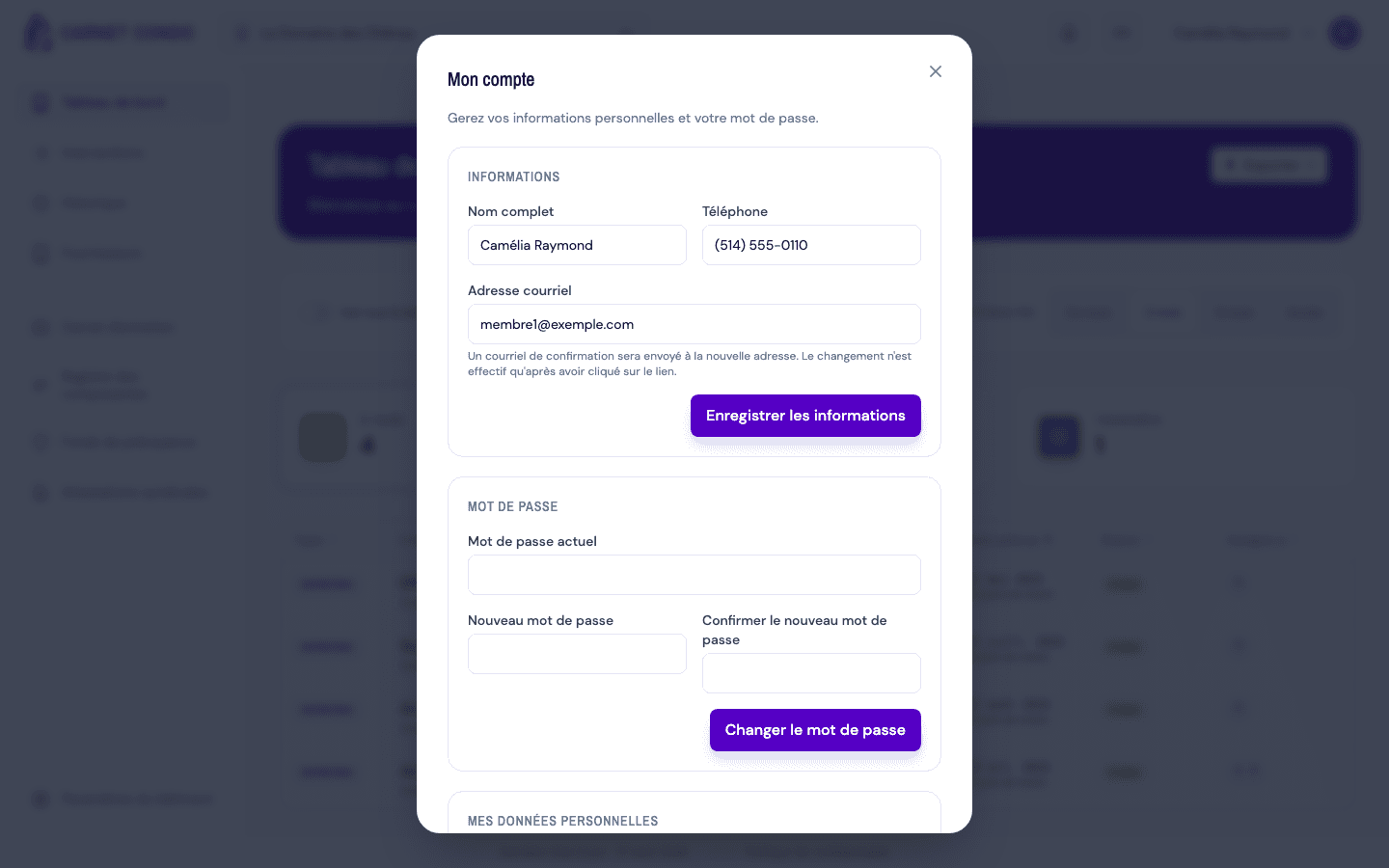
- "My account" window, Information section
- Verified version
- App 1.0.0
Goal
Replace the email address associated with your account.
Audience
All signed-in users.
Prerequisites
- Being signed in and having access to the new email address (you'll need to confirm it).
Steps
- Open the user menu, then My account.
- In the Information section, edit the Email address field. A help text reminds you that the change goes through a confirmation.
- Click Save information.
- A message indicates that a confirmation email has been sent to the new address.
- Open that email and click the link: the change only takes effect at that point.
Until the link is clicked
Your old email remains your sign-in identifier until you've confirmed the change from the link you received.
Tips and common errors
- Invalid format: a message appears under the field; fix the address.
- Authentication-side failure: the error message appears under the field and the save stops.