
Account & getting started
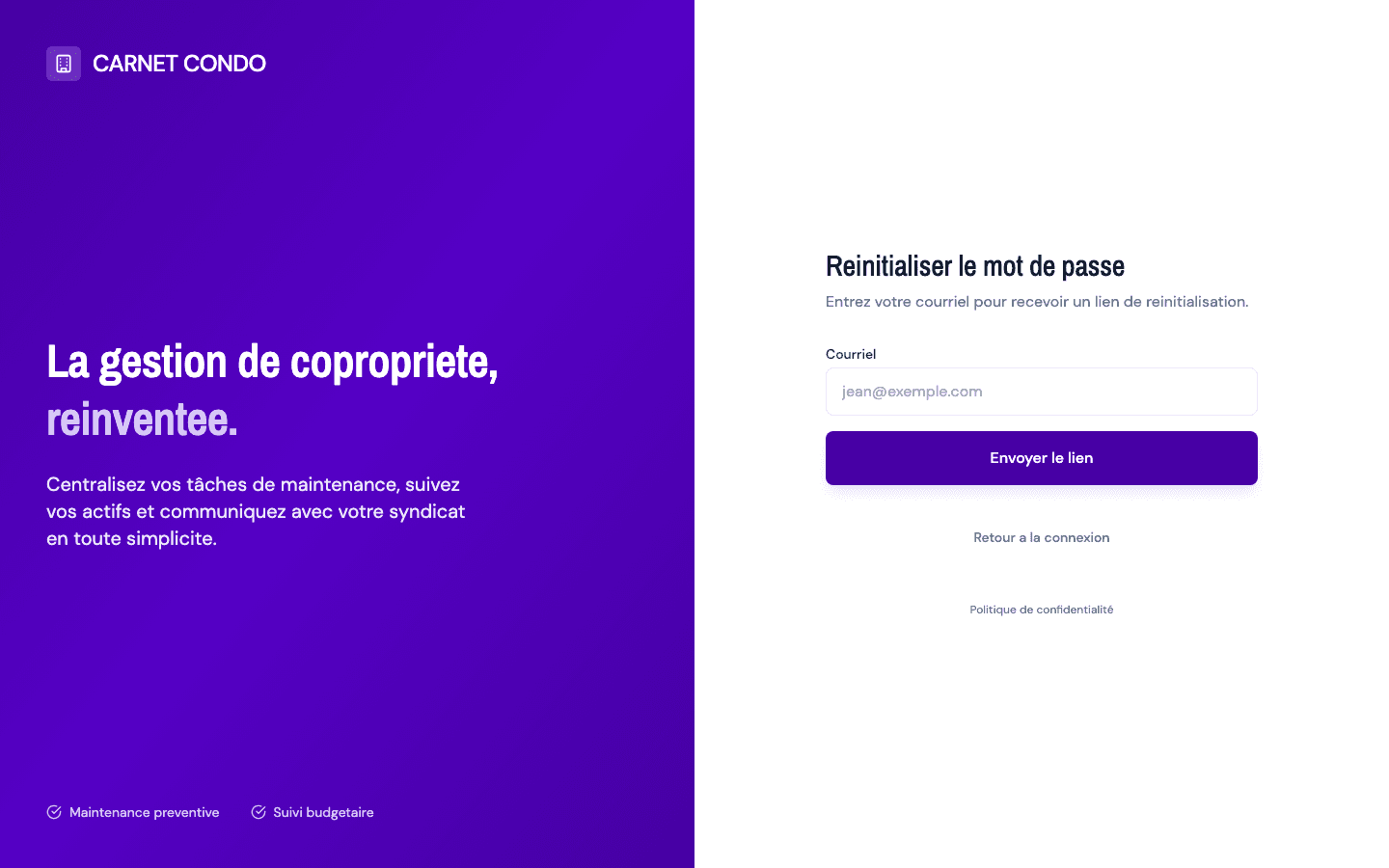
Reset a forgotten password
Request a link by email to reset a password you've forgotten.
- Audience
- Visitor
- Screen
- Sign-in page, "Reset password" view
- Verified version
- App 1.0.0
Goal
Receive a link by email to set a new password when you've forgotten the old one.
Audience
Visitor who can no longer sign in.
Prerequisites
- Access to the inbox associated with your account.
Steps
- From the Sign in view, click "Forgot password?".
- The view switches to "Reset password": a single Email field remains (the password field disappears).
- Enter your email and click Send link.
- An "Email sent" window confirms the send, reminds you of the address and notes that the link expires.
- Click "Back to sign in" to close the window.
- Open the email you received and click the link: it brings you back to the site to set a new password.
Tips and common errors
- Rate limit: for security reasons, wait 60 seconds before requesting another link.
- No email received: check your spam folder. For security, the application shows the confirmation even if the address doesn't exist; it never reveals whether an account exists.