
Give your consent (Law 25)
Understand the consent screen for the collection of your personal information, shown at your first sign-in and each time the privacy policy is updated.
- Audience
- Everyone
- Screen
- Consent screen (after sign-in)
- Verified version
- App 1.0.0
Goal
Law 25 (Quebec's personal information protection law) requires your informed consent before the application processes your personal information. This screen collects it once, and again only if the privacy policy changes.
Audience
All users, administrators and members alike.
Prerequisites
- Have an account and have just signed in (after signing up, an invitation or a sign-in).
Steps
-
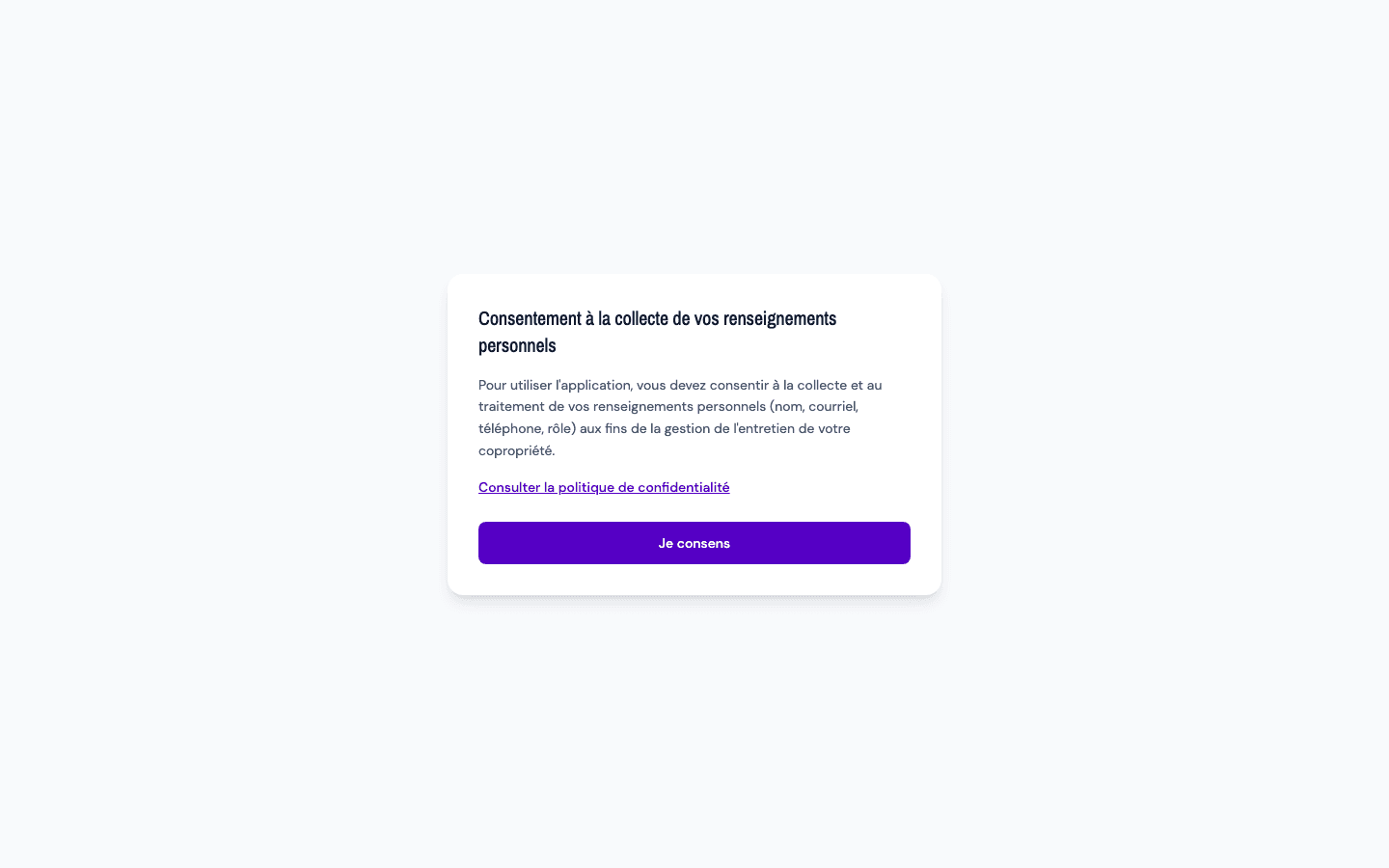
Right after sign-in, if you have not given your consent yet, the application shows a full-page screen instead of the dashboard: "Consent to the collection of your personal information".
-
Read the text: "To use the application, you must consent to the collection and processing of your personal information (name, email, phone, role) for the purpose of managing your co-ownership's maintenance."
-
(Recommended) Click "Read the privacy policy" to see what is collected, why, for how long and where (see Read the privacy policy and the trackers notice).
-
Click "I consent". The button shows "Saving...", then the application opens normally.
When the screen comes back
Your consent is tied to a version of the privacy policy (shown at the top of the policy, for example "Version 2026-06-01"). When the policy is updated, the screen reappears at your next sign-in with the text: "Our privacy policy has been updated. Please confirm your consent to continue." As long as the version does not change, it does not show again.
Tips and common errors
- No "Decline" button: consent is required to use the application. Without it, you stay on this screen; you can simply close the tab.
- "Failed to record your consent. Please try again.": your answer was not saved (Internet connection, for example). Click I consent again.
- What is recorded: the policy version you accepted and the date and time of your consent.
- Withdrawing your consent: it is one of the rights listed in the policy ("Right to withdraw consent"). There is no button for it in the application: write to the personal information protection officer named in the policy, or delete your account.
- One consent per person: it applies to your account, in all your buildings.