
Account & getting started
Sign in to your account
Access the application with your email and your password.
- Audience
- Visitor
- Screen
- Sign-in page, "Sign in" view
- Verified version
- App 1.0.0
Goal
Open a session to access your buildings and your data.
Audience
Visitor who already has a confirmed account.
Prerequisites
- An account that's been created and confirmed by email (see Sign up).
Steps
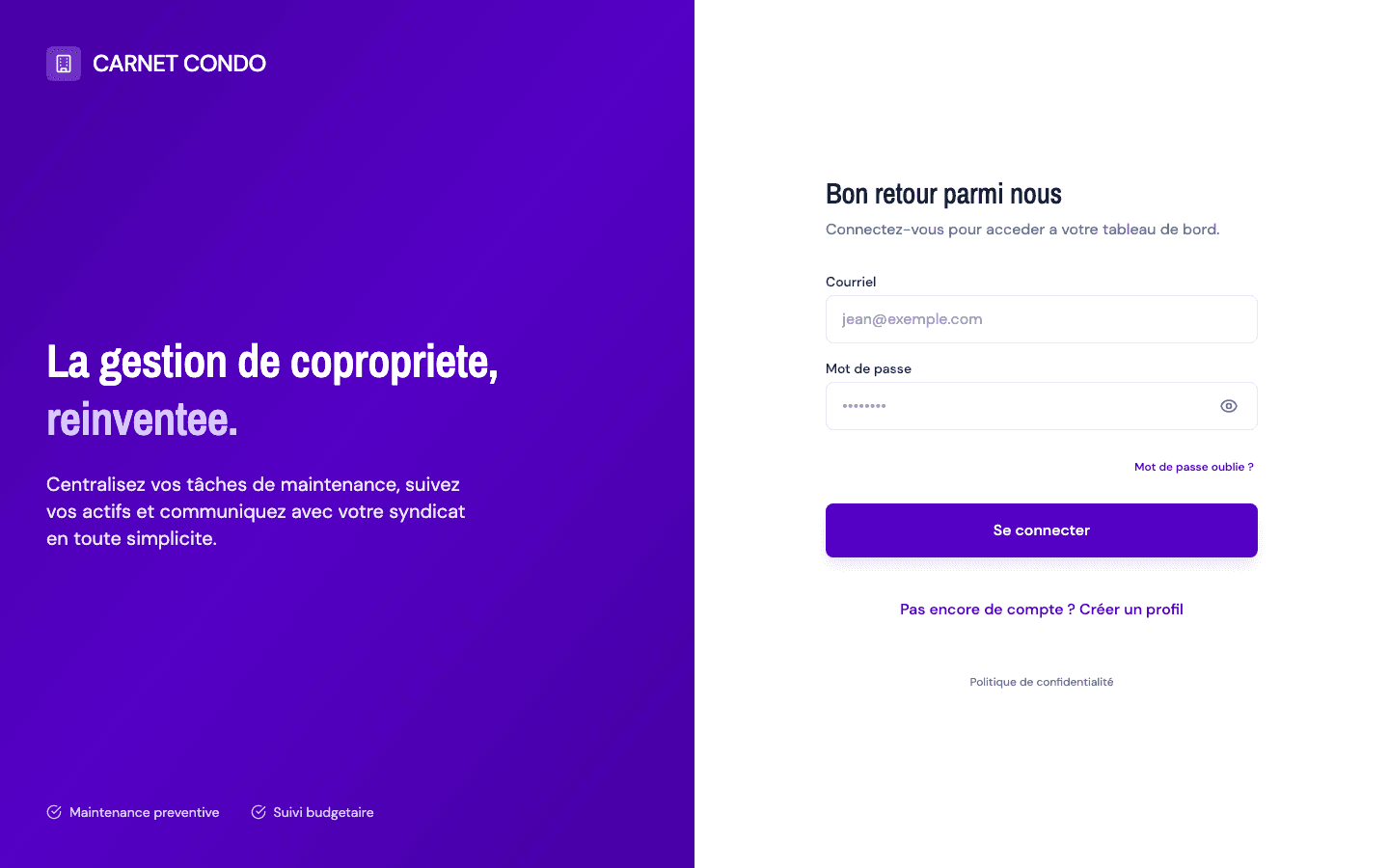
- Open the sign-in page. The Sign in view appears right away, with the Email and Password fields.
- Enter your email and password. The eye icon lets you show or hide the password.
- Click Sign in.
- On success, the application automatically redirects you to your first building. If you don't have any building yet, you land on the getting-started screen.
Tips and common errors
- Invalid credentials: a red banner "Invalid login credentials" appears. Check your email and password.
- Email not confirmed: a message invites you to check your inbox; the sign-up link hasn't been validated yet.
- Forgot password: the "Forgot password?" link, below the password field, opens the reset procedure.
- Slow connection: after 10 seconds without a response, the button reactivates so you can retry.