
Account & getting started
Sign out
End your session from the user menu.
- Audience
- Everyone
- Screen
- User menu (any signed-in page)
- Verified version
- App 1.0.0
Goal
End your session safely.
Audience
All signed-in users.
Prerequisites
- Being signed in.
Steps
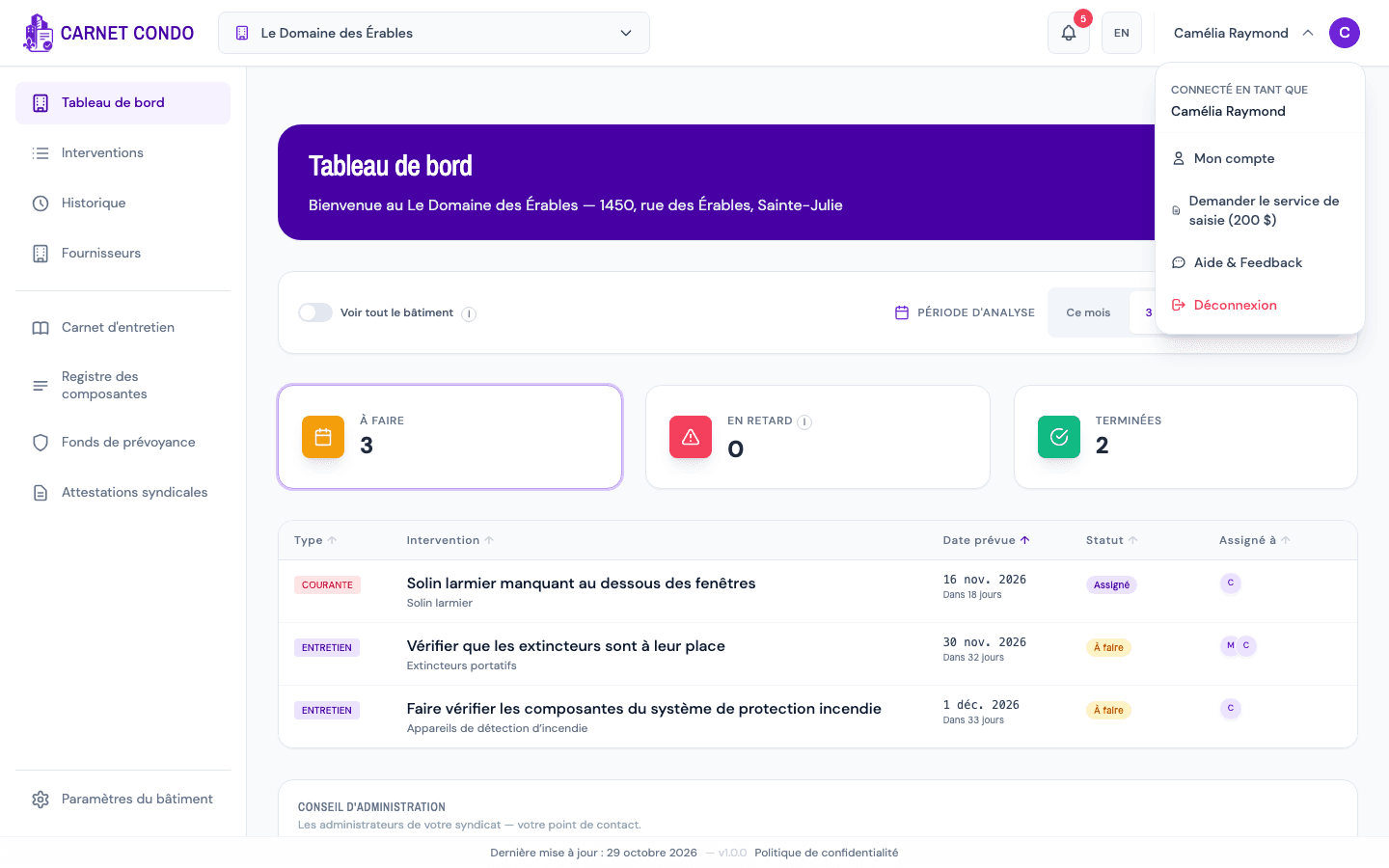
- On any signed-in page, click the user menu button in the top right (your name, a chevron and your initial; on a phone, a simple profile icon).
- A dropdown menu opens: it shows "Signed in as" followed by your name, then the My account, Request the data-entry service ($200) (for building administrators), Help & Feedback entries, and at the bottom Log out (in red).
- Click Log out.
- Your session ends immediately and the application returns to the sign-in screen.
Tips and common errors
- Signing out is immediate: no error message is expected.
- The menu closes if you click outside it.