
Building & team
Manage the building's subscription
See the subscription status, change or remove the card, view payments, cancel or resume renewal, and resubscribe a building.
- Audience
- Administrator
- Screen
- Building settings, Subscription sub-tab
- Verified version
- App 1.0.0
Goal
Keep track of and manage the building's annual subscription: its payment card, its invoices and its renewal.
Audience
Administrator of the building. The subscription belongs to the building, not to a person: any administrator can manage it.
Prerequisites
- Be an administrator.
Steps
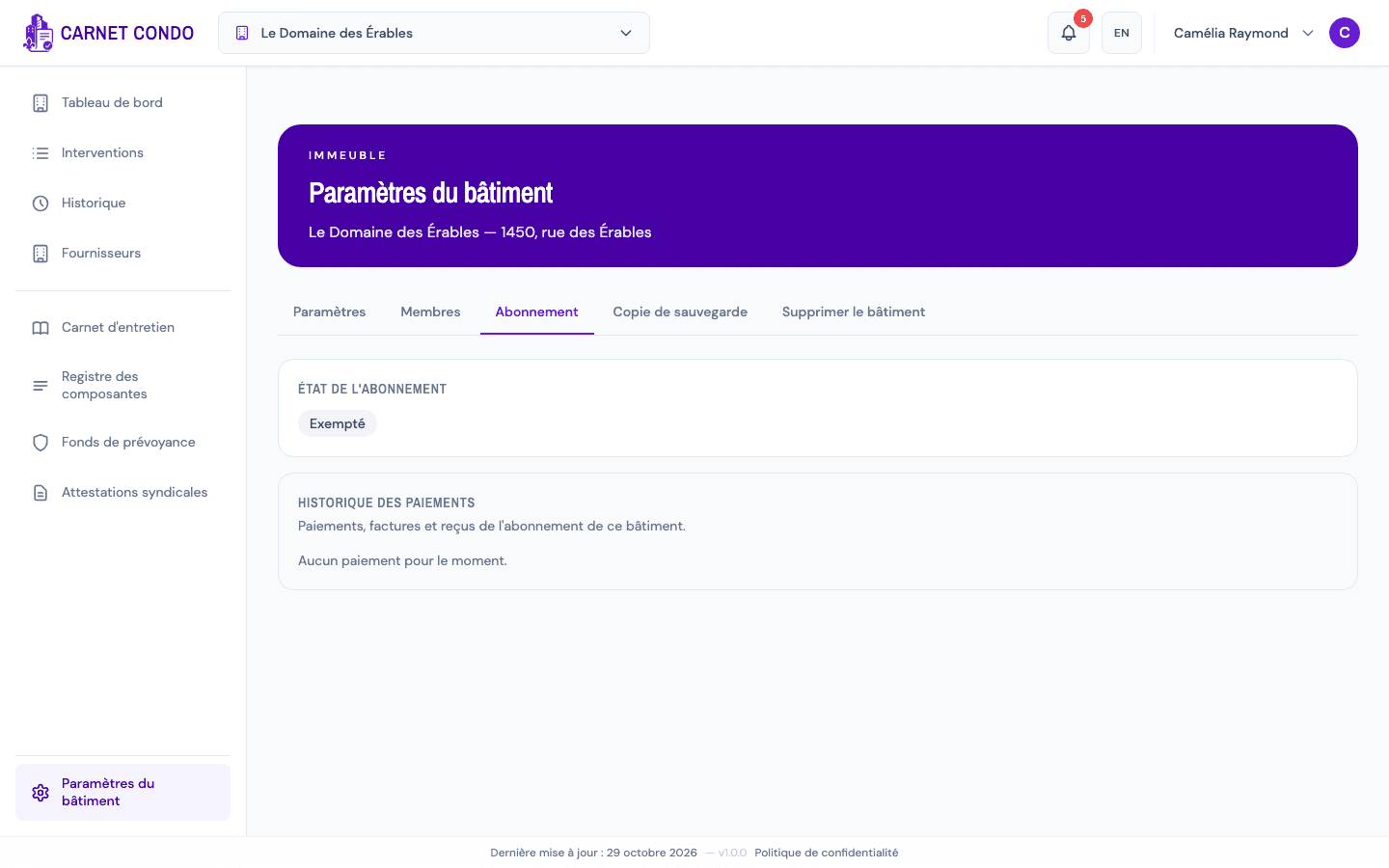
- In the sidebar, click Building settings, then the Subscription sub-tab.
- At the top, Subscription status shows a badge (Trial period, Active, Payment overdue, Canceled, Exempt or No subscription) and the date of the next charge (or "Access until …" if renewal is cancelled).
- Depending on what you want to do:
- Change the card: in Payment method, click Change card, enter the new card (secure entry by Square), then Save new card.
- Remove the card: click Remove card and confirm. Renewal will fail until a new card is entered.
- View payments: the Payment history section lists each payment (date, billed period, subtotal, GST, QST, total, status).
- Cancel renewal: in Subscription renewal, click Cancel renewal, then Confirm cancellation. You keep full access until the end of the paid term, then the logbook becomes read-only. There's no pro-rated refund.
- Resume renewal: as long as the term hasn't ended, the Resume renewal button undoes your cancellation.
- Resubscribe a canceled building: click Resubscribe this building, enter the card, then Pay and resubscribe. Payment is charged immediately (the free trial only applies to a new building).
Who sees the card details?
Only the person who entered the card sees its details (marked "card entered by you"). Other administrators see that a card is on file and can change or remove it.
Tips and common errors
- "Read only" banner: if payment is overdue or the subscription is canceled, a banner appears at the top of the application with the Manage my subscription button, which brings you here. Settle the subscription to be able to edit again.
- "No card on file": enter a card to secure the next renewal.
- Card declined: check the details or try another card.
- You're leaving the building: the subscription continues on the card on file. If you're the last administrator, appoint another one before you leave.